
Every photo shoot is different. Your workflow shouldn't be.
See how photographers and models across every genre use Cullengo to plan, review, and finalise together — without the email chaos.
Sound familiar?
“Feedback was scattered across email, WhatsApp, and voice notes.”
Comments live on the exact photo. Nothing gets lost or misattributed.
“My selections were a numbered list nobody could match to the right file.”
One click to mark a photo Selected or Suggested. Both sides see the same status, instantly.
“The brief was three PDFs sent at three different times.”
Planning details, moodboard, and documents all live on the photo shoot. One link, everything in one place.
“Models felt left out until the edits arrived weeks later.”
Invite your model with a link. They review, comment, and see your picks as you make them.
Your kind of shoot
Pick your genre and see how Cullengo fits your workflow.
It works because both sides see the same thing.
Real-time collaboration means no more guesswork.
Photographer uploads
Photos land in the shared photo shoot album. The model sees them immediately.
Model comments
Feedback is tied to the exact photo. The photographer is notified and replies in context.
Both agree
Selections are finalised together. Editing begins with full alignment.
Guides for your next photo shoot
In-depth guides for photographers and models, from planning the shoot to delivering the final photos.
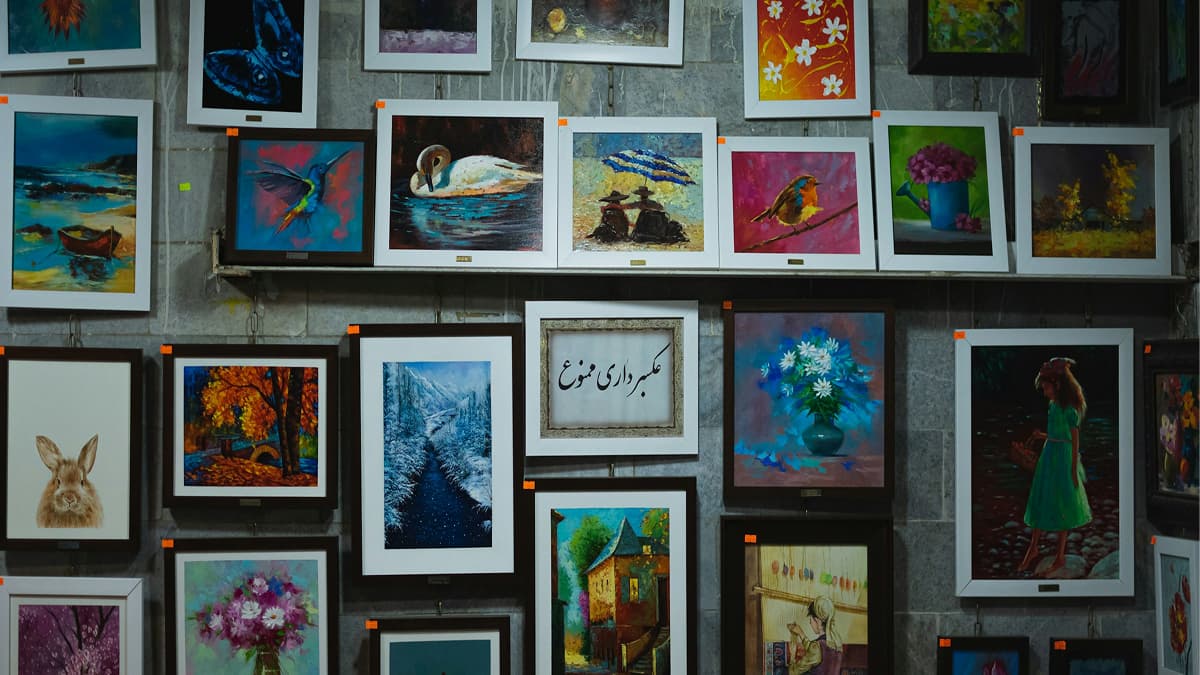 Tools
Client Photo Gallery for Photographers: Platforms Compared (2026)
Client photo gallery for photographers: what it should do, how Pixieset, Pic-Time, ShootProof, picdrop and Cullengo compare, and when WeTransfer is enough.
17 Feb 202624 min read Planning
Photography Shoot Plan Checklist (with Shot List Template)
A photography shoot plan checklist from concept to delivery: moodboard, logistics, a copyable shot list template, shoot-day flow and post-shoot review.
14 Feb 202618 min read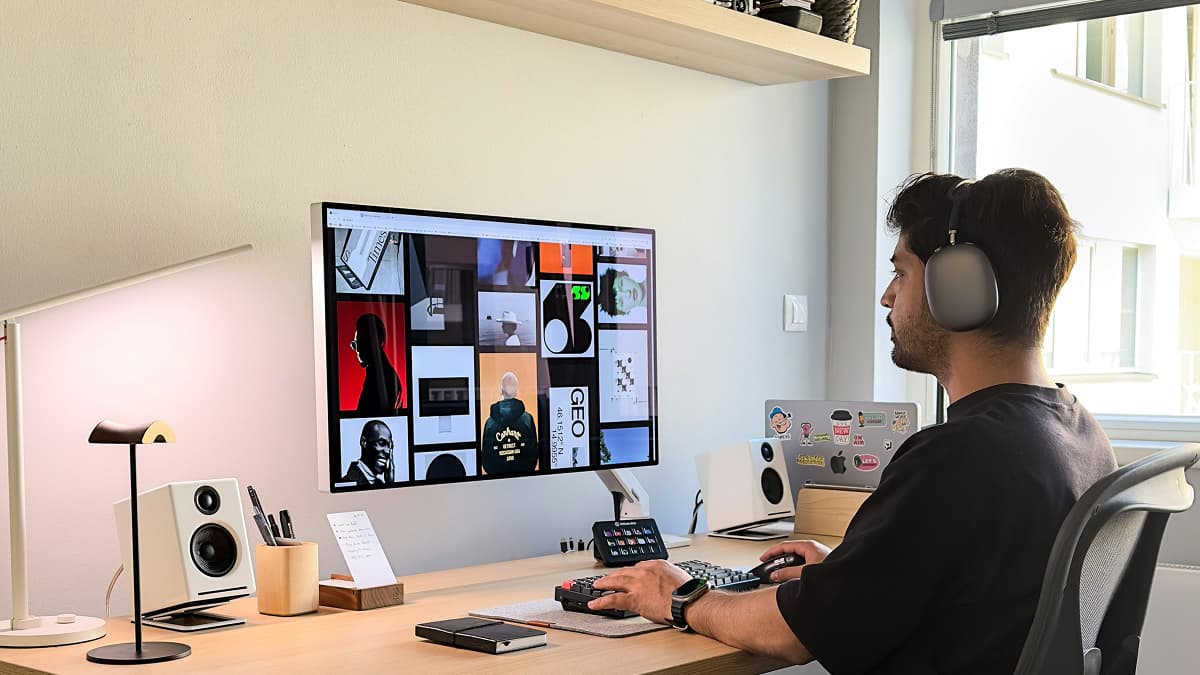 Planning
How to Create a Moodboard for a Photo Shoot (Steps + Apps)
Build a photo shoot moodboard that aligns your team: what to include, how many images to use, how to share it with your model, and which app to build it in.
10 Feb 202618 min read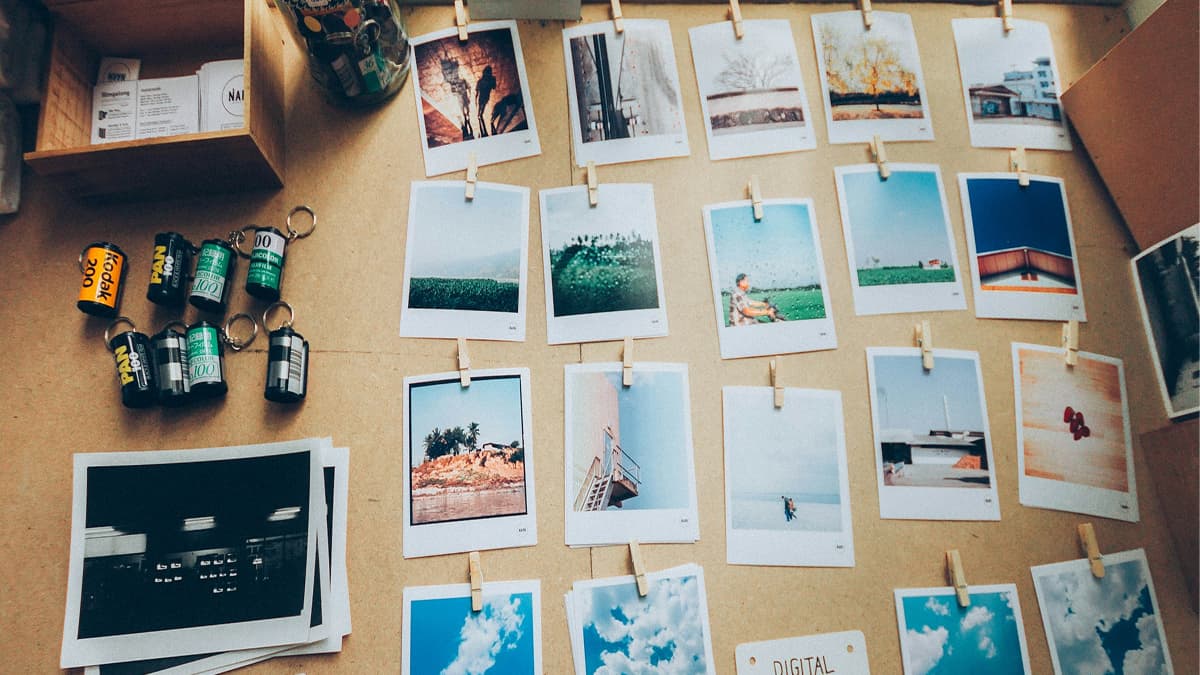 Workflow
Online Photo Proofing: What It Is and How to Get Useful Feedback
Online photo proofing explained: what proofs are, how the review step works, and how to get clear, useful feedback from clients and models before you edit.
9 Mar 202623 min read- Tools
Photo Selection Tool for Photographers: AI Culling & Client Picks
Photo selection tool guide for photographers: AI culling software for the solo first pass, then a collaborative workflow where clients and models pick finals.
8 May 202623 min read - Workflow
Post-Shoot Workflow for Photographers: Organise, Select, Deliver
A post-shoot workflow for photographers: backup, folder structure and file naming, culling, client selection, editing, delivery and archiving.
6 May 202623 min read


Ready to try it?
Create your free account and start collaborating on your next photo shoot.